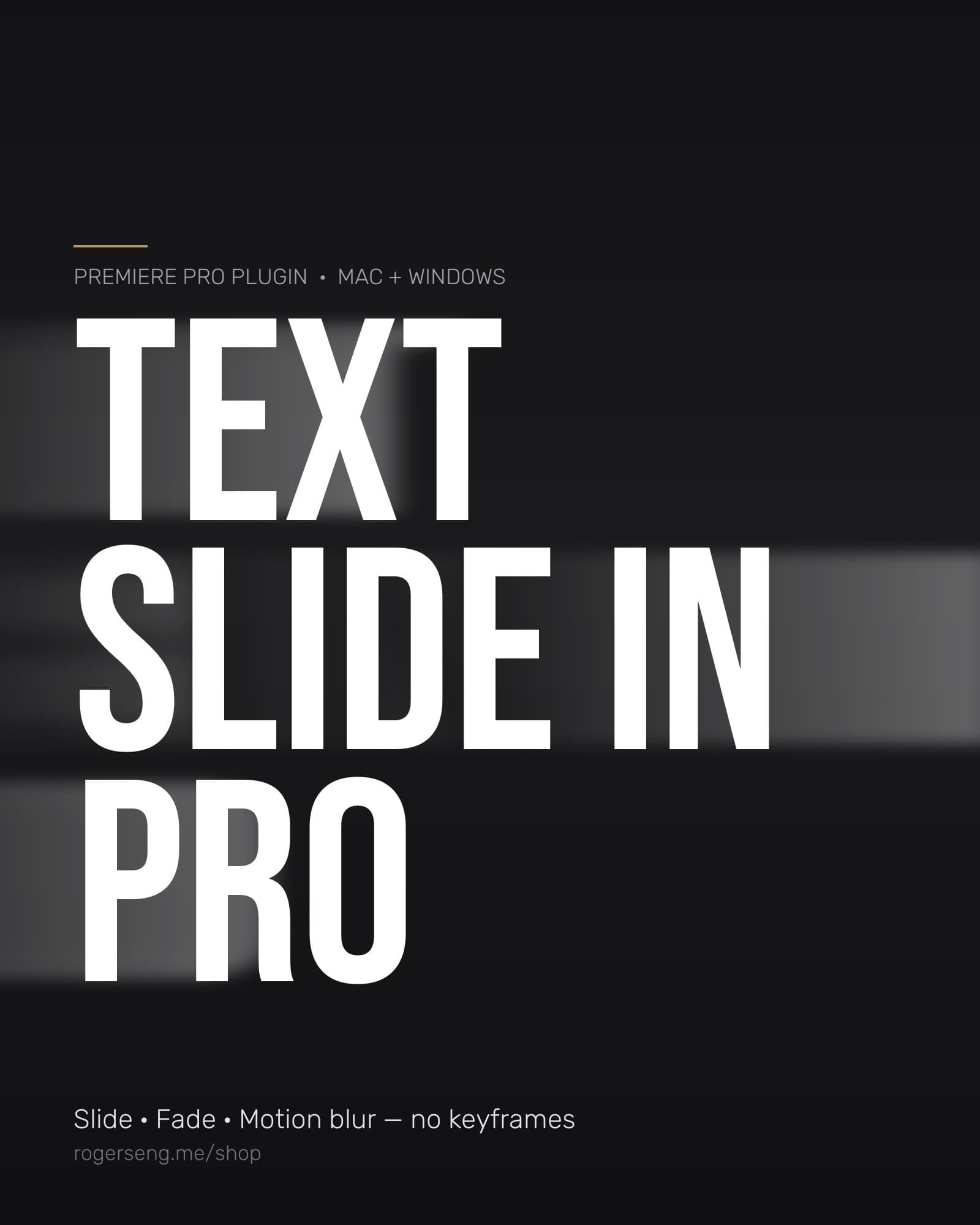
Text Slide In Pro
Text animation for Premiere Pro in one drop. Put it on any text clip and it slides, fades, and motion-blurs on and off, no keyframes, ever. Whole, row-by-row, or word-by-word. Mac and Windows.
By purchasing you agree to the Terms & License and Refund Policy.
You'll sign in or create a free account first, your purchase and downloads live in your dashboard.
Install notes
Install, then restart Premiere Pro. You will find it under Effects, Sengtopia, Text Slide In Pro. Mac: signed and notarized by Apple, so it opens normally. Windows: the installer is not code-signed yet, so SmartScreen may ask you to confirm. Click More info, then Run anyway.
What you get
License: personal + commercial use in your own work · no resale or redistribution
Text animation for Premiere Pro in one drop
I built this because I was keyframing the same slide-in on every title, lower third, and caption. Position, opacity, a directional blur, over and over. Text Slide In Pro is that animation packaged as one native effect, with the timing tied to the clip. Trim the clip, the animation moves with it. Duplicate the clip, it comes along. Change your mind about direction, it's one dropdown.
Simple starting points. Professional results.
01 · Automatic in and out
Animates on during the first In Duration seconds of the clip and off during the last Out Duration seconds. Trim or extend the clip and the animation follows. Both can be toggled independently.
02 · Any direction in, any direction out
Enter from Left, Right, Top, or Bottom. Exit to any side, or Continue and keep moving out the far side. Default: in from the bottom, out through the top.
03 · Whole, Row, or Word
Whole moves the layer as one piece. Row animates each line separately. Word animates every word in reading order. A Stagger control sets the delay between pieces, first in, first out, and everything is gone exactly at the clip's end. Rows and words are detected from the pixels, so it works on any font or title template with no setup.
04 · Curves and real motion blur
Five motion curves: Linear, Ease In, Ease Out, Ease In and Out, and Overshoot (pops past the resting spot and settles), each with a Strength slider. Motion, fade, and blur each get their own curve, so you can ease the motion hard while the fade stays linear. The directional motion blur follows the movement (horizontal for left/right, vertical for top/bottom) and switches axis between the in and out phases. It reads as real motion blur, not a generic soften.
How it works
- Install, double-click the installer, then restart Premiere Pro.
- Effects panel → Sengtopia → drag Text Slide In Pro onto any text or graphic clip.
- Done. It already animates in and out. Open Effect Controls to change direction, timing, curves, or switch Animate By to Row or Word for multi-line titles.
Every control
| Control | Options / range | Default |
|---|---|---|
| Animate In | on / off | on |
| Animate Out | on / off | on |
| Animate By | Whole, Row, Word | Whole |
| Stagger (sec) | 0 – 2 | 0.10 |
| In Direction | From Left, Right, Top, Bottom | From Bottom |
| Out Direction | Continue, To Left, Right, Top, Bottom | To Top |
| Slide Distance | 0 – 4000 px | 400 |
| In Duration (sec) | 0.01 – 10 | 0.70 |
| Out Duration (sec) | 0.01 – 10 | 0.70 |
| Motion Curve | Linear, Ease In, Ease Out, Ease In & Out, Overshoot | Ease Out |
| Motion Strength | 0 – 100 | 60 |
| Fade Curve | same five | Ease Out |
| Fade Strength | 0 – 100 | 50 |
| Blur Amount | 0 – 500 px | 60 |
| Blur Curve | same five | Ease Out |
| Blur Strength | 0 – 100 | 50 |
Not a template
It's a compiled, native effect, not a preset, not a Mogrt, not a project file. No keyframes, no Essential Graphics dependency, no fonts to install. It works on anything with transparency: Essential Graphics titles, legacy titles, logos, PNGs with alpha. Multi-core CPU rendering; frames where the text is at rest cost almost nothing, and 4K animated frames render in tens of milliseconds. Stateless and safe for multi-frame rendering, nothing to babysit.
Good for
- Lower thirds and name titles
- Social captions and hook text (vertical video)
- Multi-line titles with Row stagger
- Kinetic word-by-word lines with Word stagger
- Logo stings, any graphic with transparency, not just text
- Bullet lists and slide-style reveals
Specs
| Version | 1.1.0 |
| Hosts | Adobe Premiere Pro and After Effects, 2024 and newer |
| Where it appears | Effects panel → Sengtopia → Text Slide In Pro |
| Mac | Apple Silicon + Intel (universal). Developer ID signed and notarized by Apple |
| Windows | Windows 10/11, 64-bit |
| Color depth | 8-bit and 16-bit |
| Install size | Under 1 MB |
| License | One license per user, up to 2 computers you own. Mac and Windows both included. No activation or serial number |
| Updates | Free for all 1.x versions, re-download from your purchase link |
FAQ
Does it work in After Effects? Yes, same plugin, same installer. It's built on Adobe's After Effects SDK.
Which Premiere version? 2024 and newer on Mac and Windows. It loads from Adobe's shared plug-in folder, so every installed version picks it up.
Is it a template or a preset? No. It's a compiled native effect, no project files, no Essential Graphics dependency, no fonts.
Do I need to keyframe anything? No. Timing is tied to the clip's in and out points.
How does Row / Word know where the words are? It reads the pixels: a row is a horizontal band of text, a word is a run of letters separated by a space-sized gap. Any font, any title template.
Mac security warning? None, the Mac installer is signed and notarized by Apple.
Windows security warning? Windows SmartScreen may show "Windows protected your PC" because the installer isn't yet signed with a Windows certificate. Click More info → Run anyway.
Apple Silicon? Yes, native universal binary (also runs on Intel Macs).
License key? None. Honor system: one license per user, up to two computers.
Install & uninstall
- Mac: installs to
/Library/Application Support/Adobe/Common/Plug-ins/7.0/MediaCore/TextSlideIn.plugin(asks for your Mac password). Uninstall: delete that file. - Windows: installs to
C:\Program Files\Common Files\Adobe\Common\Plug-ins\7.0\MediaCore\TextSlideIn.aex(admin prompt). Uninstall from Windows Settings → Apps. - Restart Premiere after installing.
Text Slide In Pro is a product of Sengtopia / Roger Seng Studios. Adobe, Premiere Pro, and After Effects are trademarks of Adobe Inc. This product is not affiliated with or endorsed by Adobe. One license per user, up to two computers. No redistribution, see Terms and Refunds.